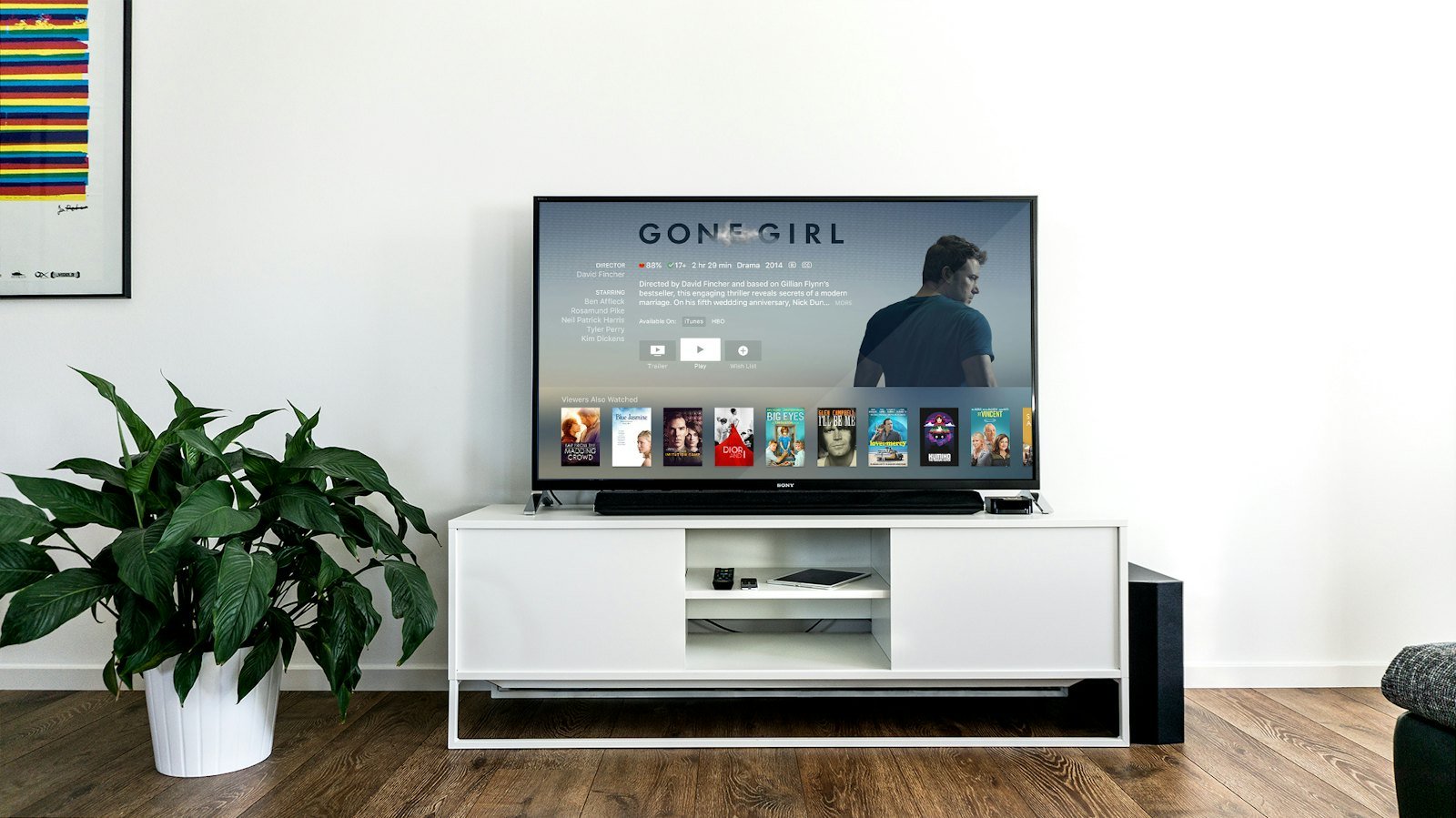
Setup guide
Strong 8K IPTV Installation Guide
How to install Strong IPTV 8K on Firestick, Samsung and LG Smart TV, Android, iPhone, Windows, Mac and MAG. Pick your device and follow the steps: most people are watching in about five minutes.
Before You Start
After your order you receive your Strong 8K login by email and WhatsApp. It contains Xtream Codes (server URL, username and password) and an M3U link. Xtream Codes is the recommended option because it loads films, series and the TV guide automatically.
Strong IPTV 8K on Amazon Firestick
- On the Firestick home screen open Settings, My Fire TV, Developer options and turn on Install unknown apps for Downloader.
- Search for and install the free Downloader app from the Amazon app store.
- Open Downloader and enter the download code of IPTV Smarters Pro or TiviMate that we send you.
- Install the app, open it and choose Login with Xtream Codes API.
- Enter the server URL, username and password from your Strong IPTV 8K email, then press Add user.
Strong IPTV 8K on Samsung and LG Smart TV
- Open the Samsung Smart Hub or LG Content Store and install IBO Player, Smart IPTV or IPTV Smarters.
- Open the app and note the MAC address and device key shown on screen.
- Send the MAC address to us on WhatsApp, or enter your Xtream Codes directly if the app asks for them.
- Restart the app. Your Strong 8K channels, films and series load in a few minutes.
Android TV, Android Box and Nvidia Shield
- Open the Google Play Store and install TiviMate, IPTV Smarters Pro or XCIPTV.
- Choose Add playlist, then Xtream Codes.
- Enter the server URL, username and password from your email.
- Wait for the channels and TV guide to load, then mark your favourites.
iPhone, iPad and Apple TV
- Install IPTV Smarters Player Lite or iPlayTV from the App Store.
- Accept the terms, then choose Login with Xtream Codes API.
- Enter your Strong IPTV 8K details and tap Add user.
- On Apple TV, use the same app from the tvOS App Store.
Windows and Mac
- Download IPTV Smarters Pro for Windows or macOS from the official website.
- Install and open the app, then choose Login with Xtream Codes API.
- Enter your server URL, username and password.
- You can also open the M3U link in VLC media player for a quick test.
MAG and Formuler boxes
- Send us the MAC address printed on the back of your MAG or Formuler box.
- We link it to your Strong IPTV 8K line and send you the portal URL.
- On the box open Settings, System settings, Servers, Portals and paste the portal URL.
- Restart the box. The channels load on the portal screen.
Best picture
Tips for Smooth Strong 8K Streaming
- Use an Ethernet cable or 5 GHz Wi-Fi for the TV that watches sport.
- Plan about 10 Mbps for HD, 20 Mbps for Full HD and 25 to 30 Mbps for 4K, per screen.
- If a channel buffers, try its other version (HD, FHD or HEVC) in the same category.
- Restart the router and the app once a week, and keep the app updated.
- Still stuck? Send us a Speedtest result and the channel name on WhatsApp.

Setup
Installation Questions
Apps, M3U, Xtream Codes and buffering.
Which IPTV app should I use?
We recommend IPTV Smarters Pro, TiviMate, IBO Player, XCIPTV or Smart IPTV, depending on your device. Our setup guide explains each one step by step.
How do I install Strong IPTV 8K on a Firestick?
Enable apps from unknown sources, install the Downloader app, download IPTV Smarters Pro or TiviMate, then log in with the Xtream Codes details we send you. Our setup guide has every step.
How do I install Strong IPTV 8K on a Samsung or LG Smart TV?
Install IBO Player, Smart IPTV or IPTV Smarters from your TV app store, send us the MAC address shown on screen or enter your login, and the channels load in a few minutes.
What is the difference between an M3U link and Xtream Codes?
Both give access to the same channels. Xtream Codes (server, username, password) loads faster and includes films, series and the EPG in most apps, so we recommend it. M3U is a single link for apps that only accept playlists.
What internet speed do I need?
About 10 Mbps for HD, 20 Mbps for Full HD and 25 to 30 Mbps for 4K, per screen. An Ethernet cable or 5 GHz Wi-Fi gives the most stable picture.
What can I do if a channel buffers?
Restart the app and router, use a cable or 5 GHz Wi-Fi, and try the backup version of the channel (HD, FHD or HEVC). Still stuck? Send us a Speedtest result and the channel name on WhatsApp and we help you fix it.
Do I need a VPN?
A VPN is not required. Some customers use one for privacy or because their internet provider slows down streaming. If you use one, choose a fast server close to you.
Need help with your setup?
Send us your device model on WhatsApp and we guide you step by step until the picture is on screen.